The figures you need, with the record behind them.
Reports
The month-end scramble
Oversight often means copying figures from alert queues, screening exports and training sheets into one more workbook. When two totals differ, the team then has to reconstruct which period, filter and source produced each one.
The report is rarely the hard part. The hard part is keeping it tied to the work it describes.
What Reports does
A dedicated workspace separates significant transactions, monthly management information, open-item aging, screening activity and transaction activity. Each view opens with its own period and controls instead of compressing every question into one dashboard.
On-screen reports use plain labels and show the figures first. Technical identifiers stay available for reconciliation without occupying the compliance view.
When a report is frozen, its period, evidence basis, figures and verification reference stay together. The same record can be reopened, printed or downloaded without silently changing underneath the reviewer.
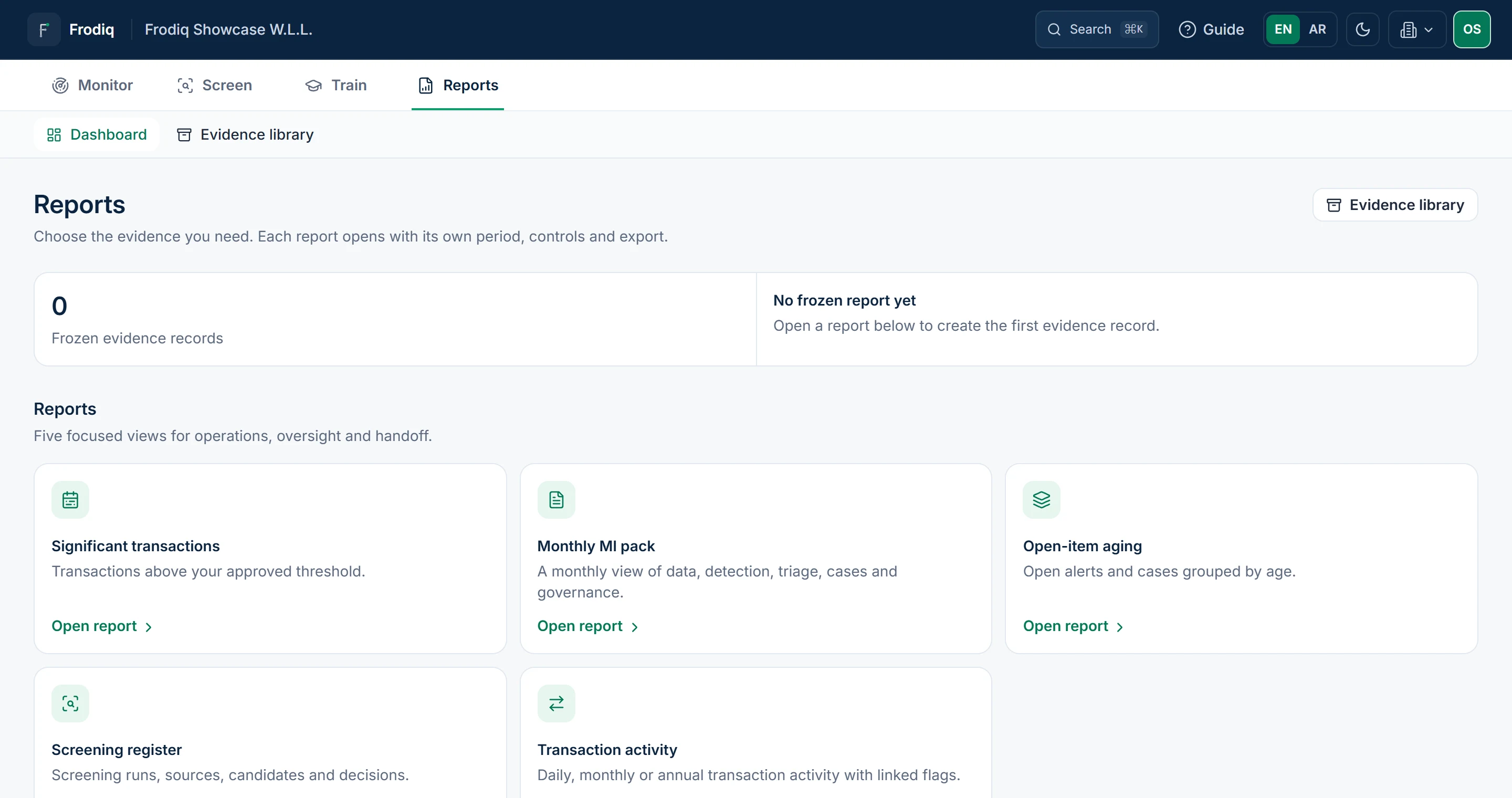
Synthetic data
What the report keeps
The on-screen report and its download refer to the same frozen snapshot.
- Frozen report evidence
Each generated report keeps its period, evidence basis, figures and verification identity together. Once frozen, it cannot be edited or removed.
- Inspection-ready evidence
Alerts and cases retain what's needed to reconstruct the decision.
- Decision history that cannot be overwritten
Earlier audit entries, STR packs, screening decisions and training records cannot be edited or removed. A correction creates a new record beside the original, so both stay readable.
See the reporting workspace on your own cycle.
Bring the monthly pack you prepare today and compare the workflow.
Guided setup · Arabic and English · no card required